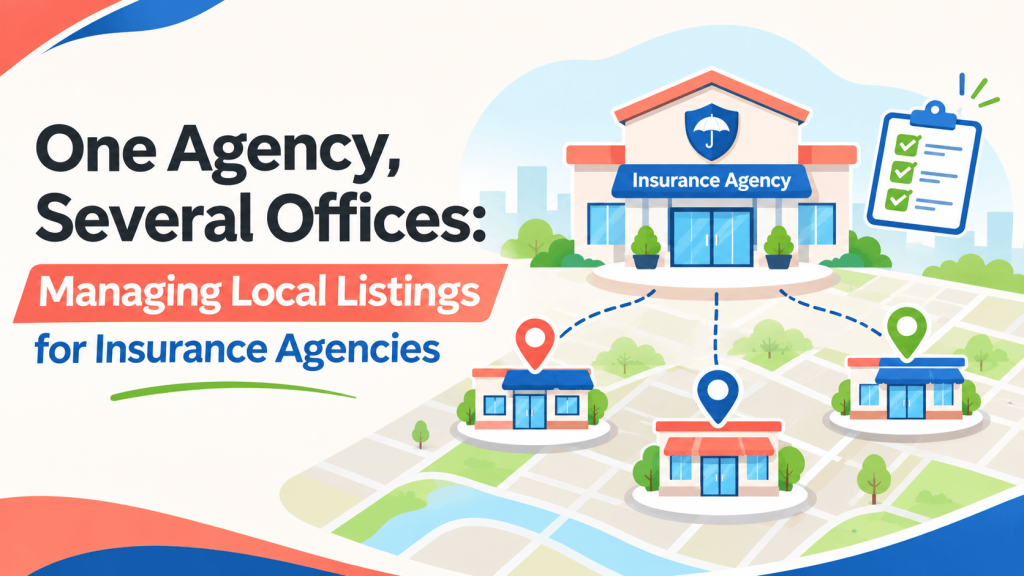
An independent insurance agency opens its third office, this one forty minutes from the original. A month later, the front desk at the main office is still fielding calls from people who wanted the new branch, and a few prospects have driven to the wrong address. The agency didn’t do anything wrong in its marketing. It simply never gave each office its own clear online identity.
Multi-location businesses face a specific local search challenge: helping each office get found by the people who live near it.
Give Every Location Its Own Profile
Google’s guidelines allow a separate Business Profile for each physical location that’s staffed during stated hours and serves customers in person. For a multi-office agency, each office should have its own profile with its own address, local phone number, hours, and photos.
Keep the business name consistent across locations. Google advises against adding keywords or city names to a business name unless they’re part of the real-world brand, so Smith Insurance Group should stay Smith Insurance Group at every office.
Build a Landing Page for Each Office
Linking every profile to your homepage forces clients to hunt for the right office. A dedicated page for each location works better. Include:
- The full address, local phone number, and hours
- The agents who work there and the lines of coverage they handle
- Directions, parking notes, or nearby landmarks
- Answers to area-specific questions, such as flood coverage near the coast
Each page then becomes the link you use in that office’s profiles and listings.
Keep Directory Listings Organized by Location
As an agency grows, listings multiply quickly, and that’s where mismatches creep in. A spreadsheet with one row per office and one column per platform makes it easier to confirm that every listing shows the right address and number.
General directories such as Editor Listings are part of that picture. Browsing the Insurance Services category shows how other agencies present their offices and coverage types. When you add listings, create one per physical location, link each to its own landing page, and never reuse one office’s phone number for another.
A common mistake is leaving a closed office’s listings active. If a branch closes or moves, update or remove its profiles promptly.
Make Each Office Easy to Find
Clients choose an insurance agent partly on convenience. When each office has accurate profiles, its own landing page, and matching listings, including on Editor Listings, people can reach the right agent the first time. Visibility will vary by market, but organized information gives every location a fair start.
Frequently Asked Questions
Can our agency create a listing for an agent who works from home?
Google generally allows profiles only for locations that serve customers in person during stated hours, or for service-area businesses that visit customers. A home office that clients never visit usually shouldn’t get its own storefront-style profile. Check each platform’s guidelines, and ask your carrier or compliance team about any advertising rules that also apply.
Should each office have a different phone number?
Yes, ideally. A local number for each office helps clients reach the right team and keeps your listings accurate. If you use a central phone system, give each location a direct line that routes to that office. Avoid listing one toll-free number for every location, which blurs which office a client is actually contacting.
How do we handle reviews across multiple locations?
Reviews belong to the specific location profile where they’re left, so encourage clients to review the office they actually worked with. Assign someone at each office to monitor and respond. Sharing patterns across locations helps too, since a recurring complaint at one branch may point to a process issue the whole agency can fix.
What happens to our listings if we merge two offices?
Update the remaining office’s details and mark the closed location as permanently closed or request its removal, depending on the platform. Update directory listings and your website at the same time so clients aren’t sent to an empty building, and redirect the old location page to the office that now serves those clients.

We curate trusted local companies and share tips to help customers and business owners connect.
Related articles
 Blog
Are Your Directory Listings Sending Customers? How to Track Referral Traffic
Find out which directory listings actually send visitors and leads. A plain-English guide to tracking referral traffic for local service businesses.
Read More Blog
Rebranding a Law Firm? How to Keep Your Online Information Consistent
Changing your law firm's name or address? Learn how to update listings, profiles, and citations in the right order so clients aren't left confused.
Read More