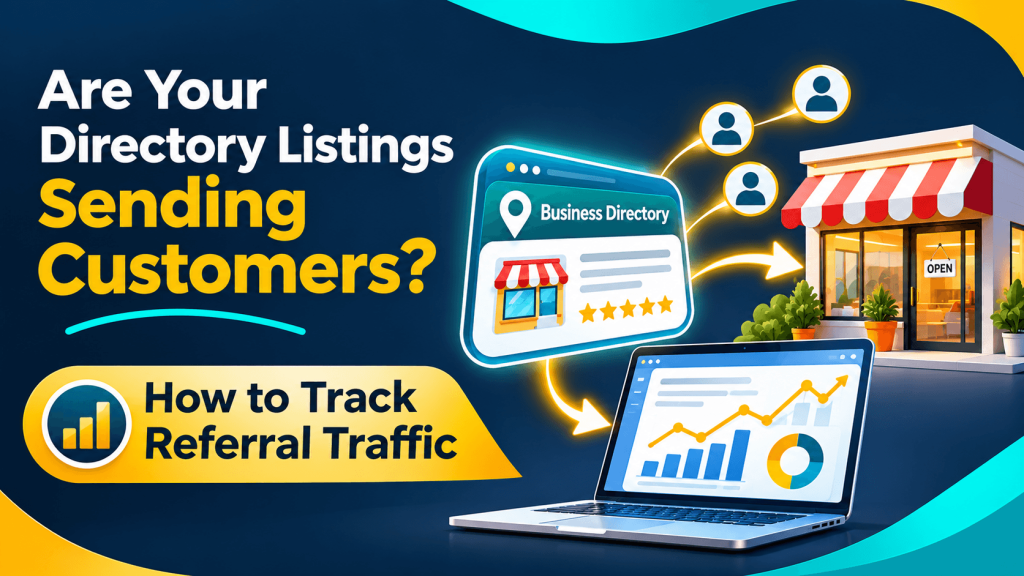
A dumpster rental company in Columbus has its business listed on about fifteen websites. The owner suspects some of them send customers, but when asked which ones, the honest answer is a shrug. Without measurement, it’s hard to know which listings are worth maintaining and which are just clutter.
Referral traffic tracking answers that question with data instead of guesswork, and the basic setup is free.
What Referral Traffic Tells You
Referral traffic is the visits that reach your website through a link on another site, such as a directory listing, a supplier’s partner page, or a local news article. It’s different from people who find you in a search engine or type your address directly.
In Google Analytics 4, open Reports, then Acquisition, then Traffic acquisition, and look at the Referral channel. Switching the table to show session source reveals the domain that sent each group of visitors.
Add UTM Tags So Clicks Are Easy to Identify
Some directories pass along clear referral information, and others don’t. To make tracking more reliable, add UTM parameters to the website link in each listing you control. A tagged link might end with ?utm_source=directory-name&utm_medium=referral&utm_campaign=listings. A few practical tips:
- Use the same lowercase naming style for every directory
- Keep a spreadsheet of each tagged URL and where it’s used
- Test each link after saving it to confirm it loads the right page
- Don’t add UTM tags to internal links on your own website
Measure Calls and Quote Requests, Not Just Visits
For a service business, visits only matter if they lead to calls, quote requests, or bookings. Set up key events in GA4 for actions like form submissions or taps on your phone number, then compare which referral sources lead to them.
For example, if a general directory such as Editor Listings sends a steady trickle of visitors from its Waste Management category, you can see whether those visitors request quotes or leave right away. Some listings mostly support discovery and trust rather than direct clicks, so low traffic doesn’t automatically mean a listing is useless. Keep it if the information is accurate and the directory is relevant.
Let the Data Guide Your Listing Decisions
Tracking referral traffic turns a long list of listings into a short list of facts. Tag your links, review the numbers each quarter, and decide where to spend your time, whether that’s a niche industry site or a general directory like Editor Listings. Small numbers need patience, and a few months of data tells a clearer story than a few weeks.
Frequently Asked Questions
Why don’t I see some directories in my referral reports?
Some sites use settings that hide the referring source, and some browsers or apps strip that information. Those visits may appear as direct traffic instead. Adding UTM tags to the listing links you control is the most reliable way to identify clicks from each directory, even when referral data isn’t passed along.
Do phone calls from a directory listing show up in Google Analytics?
Not if the customer dials directly from the listing without visiting your website, because GA4 only records activity on your site. To capture those calls, ask new customers how they found you, or consider a call tracking service. If you use tracking numbers, keep your main business number consistent across your core profiles.
Can UTM tags cause problems with my listings?
Generally, no, as long as the tagged link points to the right page and works correctly. Some directories limit URL length or strip parameters, so test each link after saving. Use UTM tags only on external links, not on links between pages of your own website, where they can distort your analytics data.
How much referral traffic should a directory listing send?
There’s no standard number. It depends on the directory, your industry, your location, and how people search for your type of business. A listing that sends a few visitors a month who become customers may be worth more than one that sends many visitors who leave. Judge each listing by the quality of its leads.

We curate trusted local companies and share tips to help customers and business owners connect.
Related articles
 Blog
Rebranding a Law Firm? How to Keep Your Online Information Consistent
Changing your law firm's name or address? Learn how to update listings, profiles, and citations in the right order so clients aren't left confused.
Read More Blog
Your First 90 Days Online: A Marketing Plan for New Pet Care Businesses
Opening a pet grooming or pet sitting business? Follow this 90-day checklist to build an online presence that local pet owners can find and…
Read More